
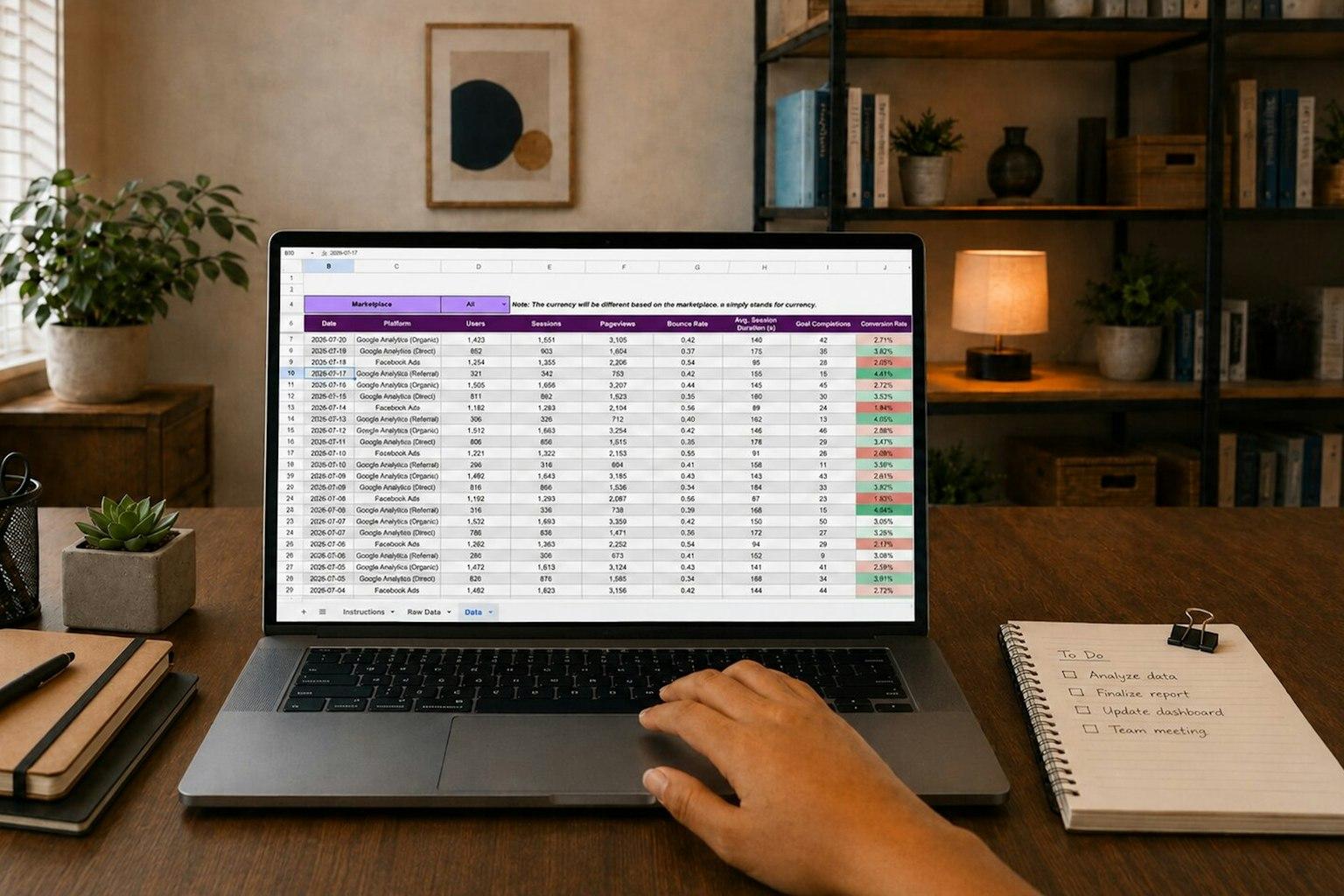
Almost every business has an Excel file that more depends on than anyone planned. The bookings, the stock or the quotes live in it, and it has grown along with the company. Most of the time that is fine. When it starts to pinch, there are a couple of things to try before you pay for custom development.
How do you know an Excel file has become too small?
You notice it in mistakes that come from working together. Two people overwrite each other's work, versions go round by email, and nobody knows who changed an amount. One of these signs on its own is no reason to have anything built.
- Several people need to be in the file at once, and whoever opens it second can only read it or ends up working in a copy.
- Versions circulate with names like bookings-final-2, and every week somebody asks which one is right.
- It contains formulas that one person wrote years ago and nobody dares to touch.
- Everyone who can open the file sees everything and can change everything, purchase prices included.
- When a figure is wrong, there is no way of finding out who changed it or when.
If three or more of these apply at the same time, the file costs you time every week. With one or two, the chances are that one of the cheaper steps further down will do.
What does a custom web application solve, and what does it not?
A web app is a program that runs in the browser, where the whole team works on the same data. Everyone logs in, sees only what is meant for them, and every change is recorded under a name. A way of working that nobody is clear about stays just as unclear inside an app.
The calculation rules from your file are fixed in the code. A member of staff enters a booking or an order on a screen and cannot break a formula while doing so. Permissions are set per person, so an engineer sees their own jobs and the planner sees everything.
There is a price for that. In Excel you add a column yourself in half a minute. In a web app that is a change a developer has to make. If the layout of your file still changes every month, we would wait until the way of working has settled.
Which cheaper steps should you try first?
Move the file to the cloud first, then check whether existing software already covers the task. Both cost little compared with custom development. For many businesses the problem is then small enough to live with.
If an Excel file is stored in OneDrive or SharePoint and everyone has a Microsoft 365 subscription, several people can edit it at the same time. Version history lets you restore an earlier version, and Excel shows for each change who made it, in which cell, when, and what changed. That takes away the first two signs and part of the fifth. The formulas stay just as fragile, and anyone who can edit can still reach everything you have not protected separately.
The second step is software made for that one task. For bookings, time tracking, stock and customer management there is plenty of it, for a monthly fee. Custom development pays when you keep bending your way of working to fit the package, or when you join two packages together with an Excel file in between.
Sometimes the file itself is fine and the work is in retyping the data into the accounting software or the CRM. Then connecting the two systems is enough. Our business process automation costs from €750, with a fixed price upfront. How a connection like that works is explained in the article on n8n, and business processes to automate goes through which ones lend themselves to it.
What does it cost to replace Excel with a web app?
At CanarySites a simple web app, with one clear function and up to five screens, costs €1,495 in one go or 12 instalments of €145. If you need user accounts, payments or integrations, it becomes a larger project and you get a fixed price upfront within one business day. Either way you know the amount before we start.
Replacing a file that several people work in, each with a login of their own, nearly always falls into the second group. There is a third route when the file is really the back office of your website, such as the rental diary or the table you use to work out quotes. If your site runs on WordPress or WooCommerce, that can be built into the site itself. That is our custom WordPress and WooCommerce development, where small changes cost from €150 and larger projects get a fixed price.
| One-off | Per month | |
|---|---|---|
| Share the file in the cloud | nothing, the file only moves | the Microsoft 365 subscription |
| Existing software | setting it up and moving the data across | the subscription, often per user |
| Automation between two systems | from €750, with a fixed price | the cost of the tool it runs in |
| A feature inside your WordPress or WooCommerce site | small changes from €150; anything larger at a fixed price | what you already pay for your site |
| Simple web app | €1,495, or 12 instalments of €145 | hosting, from €9 |
| Web app with user accounts or integrations | a fixed price upfront | hosting, from €9 |
The amounts in euros are our own prices and exclude IGIC.
A worked example: a bike rental company
This is a worked example, not a client of ours. A bike rental company with two shops in Lanzarote has five people working in one bookings file and handles 300 bookings a month. For every booking somebody checks three tabs to see whether the bikes are free on those days. That takes six minutes. Four times a month the same bike is rented to two customers, and putting that right takes an hour and a half each time.
In a web app that works out availability by itself, a booking takes two minutes and a double booking cannot be saved. That is 300 times four minutes, so twenty hours, plus six hours of repair work. Together that makes 26 hours a month. At a labour cost of €16 an hour, which is our assumption, that comes to €416 a month, about €5,000 a year. Against that stand the price of the app, which you know before we start, and the hosting.
Now take the same company with 60 bookings a month and one double booking every two months. The gain is four hours on bookings and three quarters of an hour on repairs, which is €76 a month, about €900 a year. With a saving like that we would not build it, and we would put the file in the cloud.
When do you choose a web app and when do you stay with Excel?
Choose a web app if many people work on the same data every day, each of them should see something different, and mistakes cost you money or customers. Stay with Excel if one or two people keep the file and it runs without accidents. Paying for development to replace a spreadsheet that bothers nobody is money thrown away.
| A web app fits if | Excel is enough if |
|---|---|
| Four or more people work in the file every day | One or two people keep the file |
| Staff or customers need to enter or look something up away from the office | Everything happens in the office, at a computer |
| Not everyone may see or change everything | Everyone who works in it may know everything |
| The calculation rules have been the same for a year | You still rearrange the layout regularly |
| No existing software fits the way you work | A package or sharing the file in the cloud takes the problem away |
How do you switch without work grinding to a halt?
Keep the file until the new screen has proved itself, and replace it in parts. Start with the part that takes the most work. Agree on one day from which the file may only be read.
It is worth agreeing that the first screen is delivered before the rest, so you can use it while everything else is still in Excel. With the last part the data from the file is imported and the file becomes read-only.
If you are not sure whether your file is worth a web app, tell us what is in it, how many people work with it and where it goes wrong. Within one business day you will know which kind of project it is and what it costs, and with the fixed price you also get a delivery date. Ask for a fixed price.